


I know there are versions of Rome Total War remastered to run on 64 bit systems but I suspect this GOG version still needs 32 bits as thats how it is defined by task manager after launch. After a brief look at a company logo page, I just get a black screen when I attempt to start it. Happy to change the rating if someone knows differently and can tell me how to get it going on my WIN 11 64 bit muliticore laptop
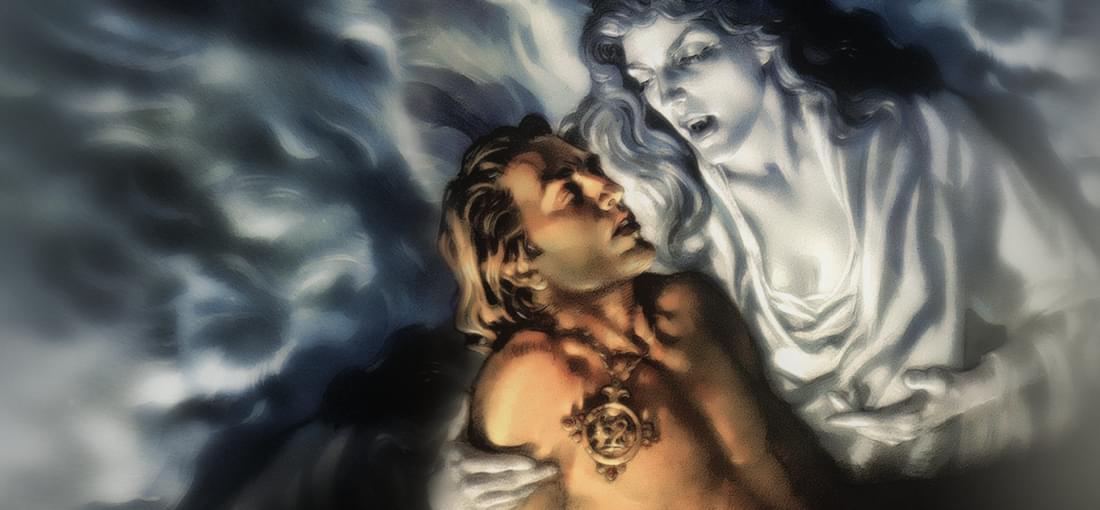
GOG is still charging money for this game but does not seem to have done any work to make their version run on modern systems. I am not particularly technically proficient in renovating old games (did eventually get Distant Worlds Universe to work on my machine). It may well be possible to get the GOG version to work in Win 11 without making your system unable to play modern games based on various internet fixes (some of which need to be paid for) but GOG itself should invest some effort into making these old games playable, ( not just GN3 but also Tex Murphy's Overseer) that used admittedly very awkward early 3d technologies that assumed single core devices, since GOG is charging money for these games and having more customers that get to enjoy these games might eventually result in more remakes or sequels My current computer is Windows 11 typical 64 bit multicore laptop with Nividia card. After including a pretend CD drive ISO file, I can get the Intro movie to run but after that I just get an amorphous sea of chaotic textures and have to switch off the laptop to get out.
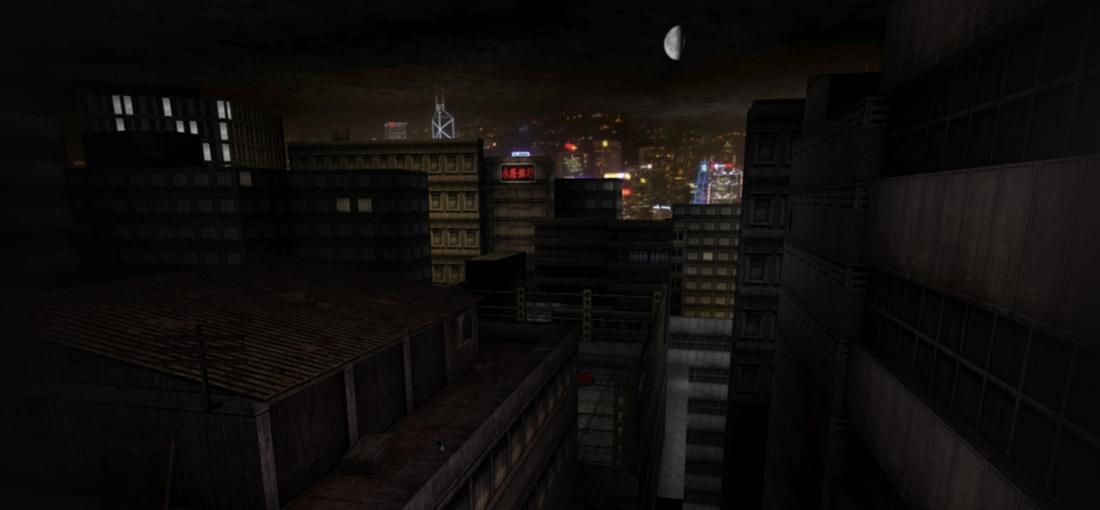
With no Mod I could not get the game to work. With the Revision Mod, Deus Ex would run for me on my Win 11 Nivida game card multicore laptop but speech and movement would be too fast perhaps because as usual I have downloaded this game without using GOG Galaxy All the glitches and stutter problems seem to have disappeared with the new Mod and the game world view is beautiful and movement and speech smooth. Only 4 stars on Mod performance as I am still near the start on Liberty Island with most of the game ahead of me,
