

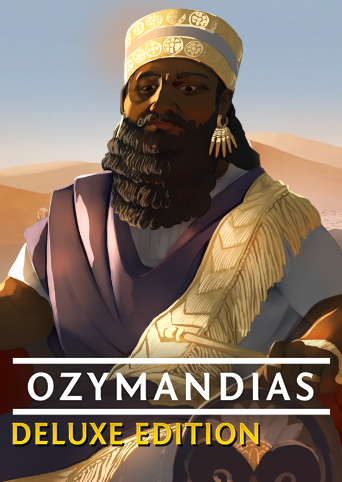
Fun, relatively quick strategy puzzle. All features are well designed - clear interface, good AI, interesting strategy choices that evolve during a game and depend on map, chosen civilization, and opponents. Highly recommend.
Worked on Windows 10 but made me motion sick Keyboard controls: See C:\Program Files (x86)\GOG Galaxy\Games\The Bard's Tale\!Downloads \bards_tale_manuals.zip\manuals\The Bard's Tale (2005) - Manual.pdf Summary: Game menu - toggle Esc (load, options, exit) Stats - Right MB on upper left health icon (coins & crystals, quest log, equip/tune/talent/token lists) Inventory (on world map) - Tab Move - Right MB Attack - Left MB (hold ~1 sec for bow) Block - Space Use/Action - F (Pickup, Talk, Save at rotating book, etc) Quick Heal - R Choose dialogue - Left MB on head icons at top Artifacts menu - 1 (or Shift D) then W/A/S/D to use chosen item Melee Weapons menu - 2 (or Shift W) then W/A/S/D to equip chosen weapon (sword, etc) Summon Creatures menu - 3 (or Shift S) then W/A/S/D for type, W/A/S/D for spell Order Creatures Menu - Aggressive stance - Up arrow (or Alt W?) Defensive stance - Down arrow (or Alt S?) Stay - Left arrow (or Alt A?) Come to me - Right arrow (or Alt D?) Special Weapons menu - 4 (or Shift A) then W/A/S/D for item (bow, etc)
