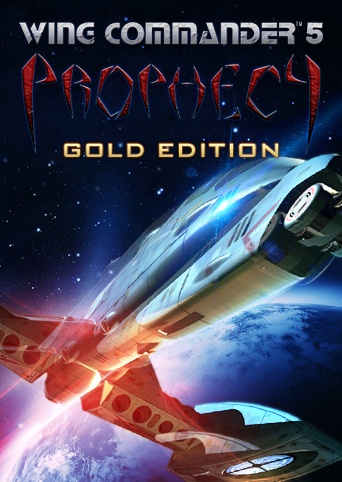
If you're playing this on Windows 11 like me, you might have a large, additional mouse cursor fixed in the centre of the screen while playing. Pretty annoying right? If you search online how to remove this, you'll see instructions which require you to download additional tools, but you don't need to download anything. Just follow these steps: - Open the folder where the game is installed ... if you're not sure how to find this, select the game in your GOG library, then at the top of the screen click the "More" icon, then "Manage Installation" and then "Show Folder". - In this folder find something called "nglide_config.exe" - Double click it. This should open an options window on your desktop. - From here, change "Video backend" to "Vulkan" using the drop down menu. - While you're here you can also change things like framerate and resolution. NOTE: Wing Commander Prophecy was made in 4:3 aspect ratio. To avoid stretching the graphics and causing artifacts in the live-action cutscenes, choose a 4:3 resolution such as 1600 x 1200. - Now launch the game and that immovable cursor should be gone :) Review: Great game for it's time. The fact they filmed live-action cut scenes makes the characters so much more fun and memorable. Some great actors in this game too but I won't spoil anything. The music is cool as well, it's just a shame that gameplay and graphics are a bit limited / repetitive by today's standards. But the game runs well and I still find myself coming back to this title every few years. Thanks GOG :)
