Two Engines. One Champion. No Limits.
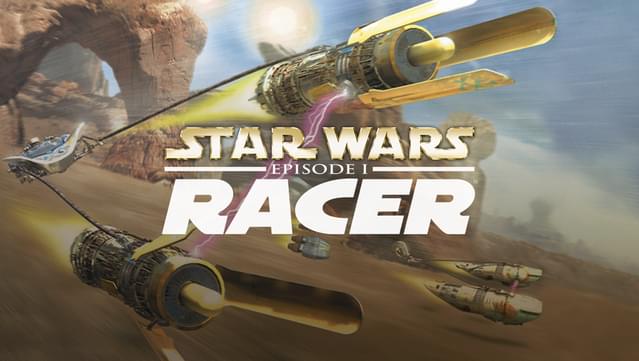
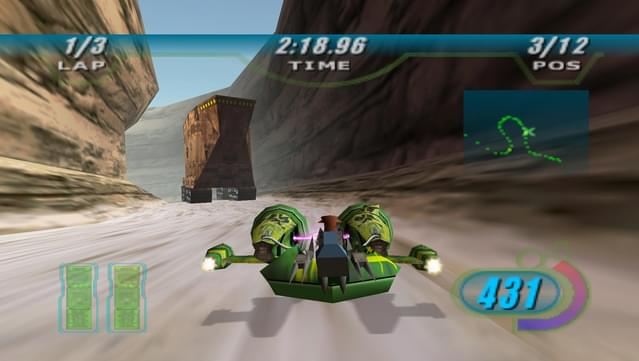
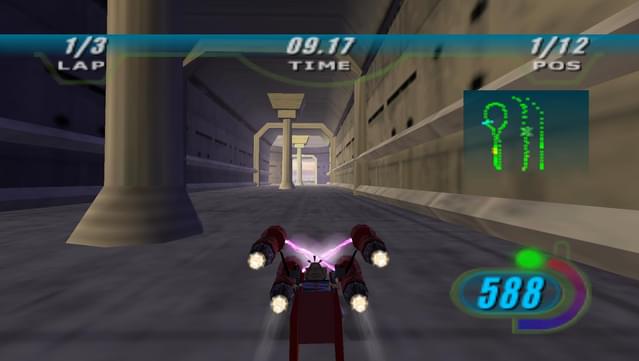
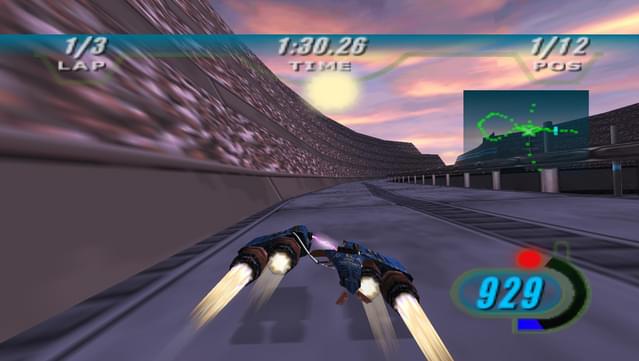
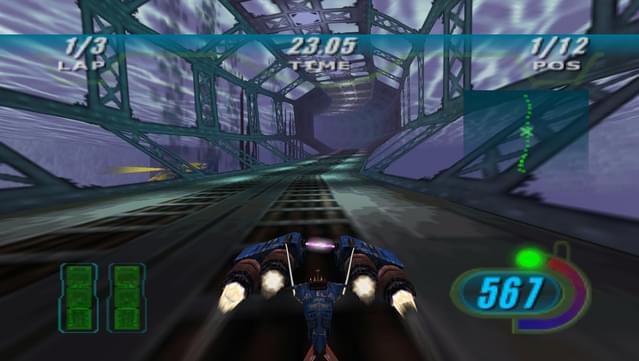
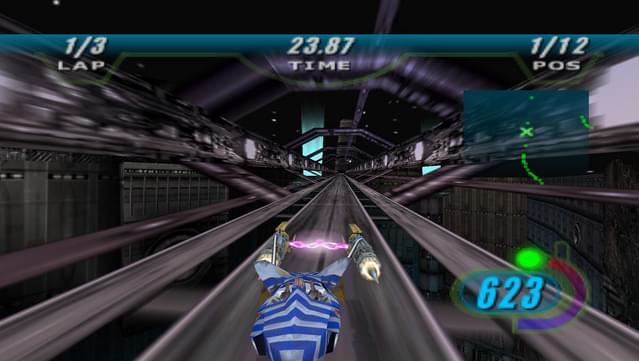
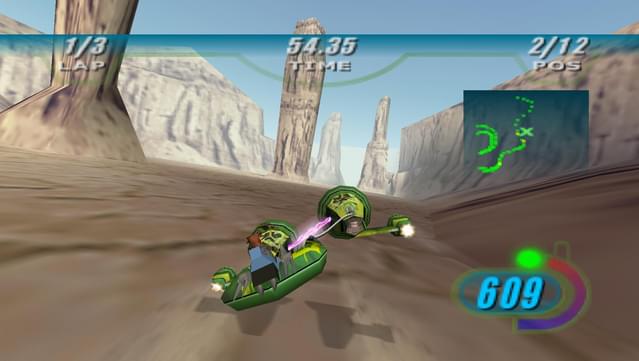
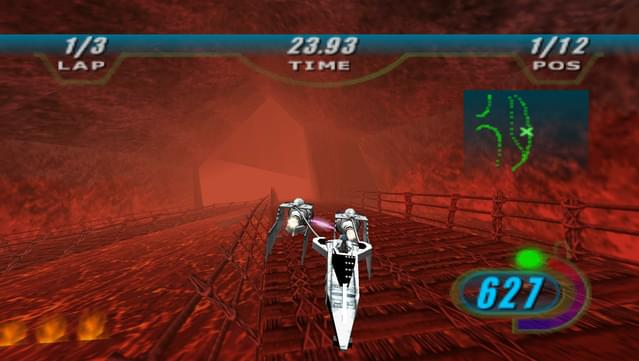
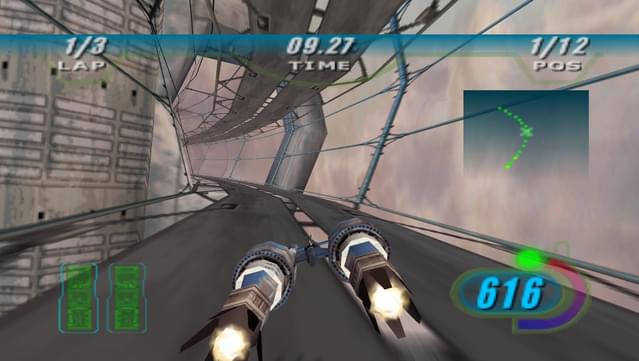
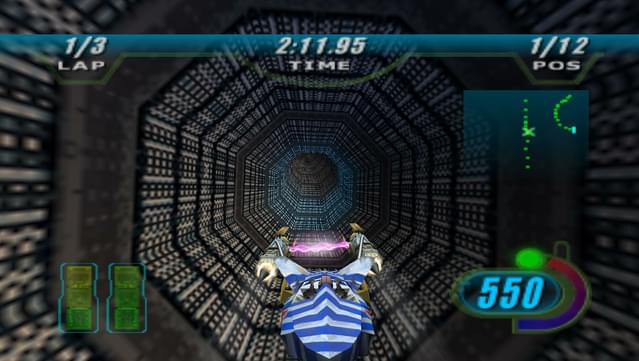
Climb on, strap in, and experience the pure adrenaline-pumping excitement of the Podracing sequence from STAR WARS™: Episode I The Phantom Menace.
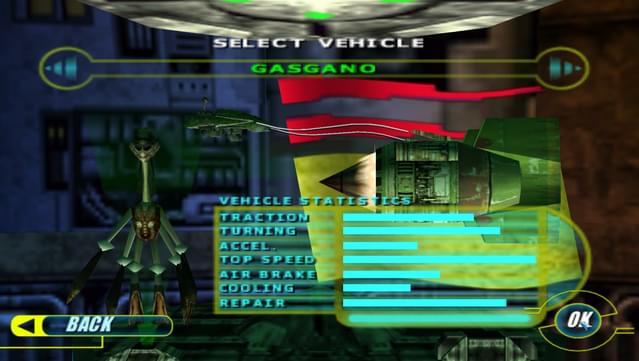
Take the controls as Anakin Skywalker, or any one of over 21 Podracers, and feel the full-force blast of two mass...
Climb on, strap in, and experience the pure adrenaline-pumping excitement of the Podracing sequence from STAR WARS™: Episode I The Phantom Menace.
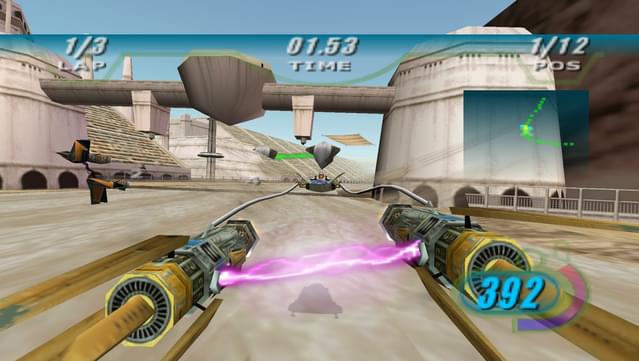
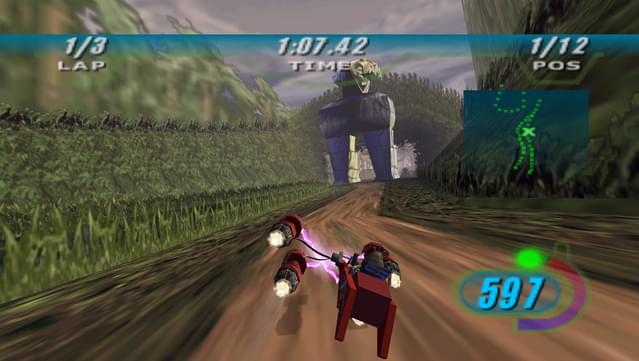
Take the controls as Anakin Skywalker, or any one of over 21 Podracers, and feel the full-force blast of two massive jet engines at simulated speeds of up to 600 mph. Rein in a turbine-driven chariot through 8 spectacular worlds. Negotiate through flaming methane lakes, Tusken Raider assaults, ant-gravity tunnels and much more in a pulse-punding, do-or-die fight to the finish where anyone will do anything to cross the finish line. How far will you go?
The game is great, and I used to play it a lot back in the day, even finishing it couple of times. Sadly, this Gog release is almost not playable due to its low resolution.
There are no high resolution modes, and I am yet to detect any type of "setup" or "config" executable that you can use to change it.
Therefore all you get is a extremely good 3D game that runs at 800x600. On any large monitors this is completely not usable.
One of my favorite racing games from back in the day, now working on modern systems! :D
I experienced the same "gnome" crash issues everyone else seems to, but managed to get it working on Windows 10, current as of 5/1/18, so here's how:
---------
1) Install from SCRATCH. If you tried running the game, uninstall it completely and reinstall. Should be fine with either manual install or GOG Galaxy. I used Galaxy.
2) Once installed, run the video setup utility. If you're using GOG Galaxy, go to More > Other > Video Settings. If you installed manually from the base file, browse to the game folder, create a new shortcut for SWEP1RCR.EXE, edit the properties, and add -v to the end on the Target line. It should look something like "C:/Star Wars RACER/SWEP1RCR.EXE" -v. Be sure the -v is OUTSIDE the quotation marks. Save, then run the shortcut.
3) In the video setup utility, set the game's resolution to match your desktop resolution (e.g. 1920x1080).
4) Browse to the game install folder, right-click SWEP1RCR.EXE, go to Properties, to the Compatibility tab, and enable compatibility mode for Windows 7. Also, enable Reduced Color Mode, and set it to 16-bit.
--------
Be sure all settings above are saved, and THEN run the game. Following those steps got me in after 20+ crashes as I tried other fixes. Again, this worked for Windows 10, latest update as of 5/1/18, and a GTX 1070 STRIX. I tried just adjusting video settings, still no dice. Tried with just 16-bit color compatibility, still no dice. Adding Windows 7 AND 16-bit compatibility worked. As with anything on PC, your mileage may vary.
One star knocked off the review because great as this game is, it does involve some less-than-intuitive manual adjustments to get it going in some cases (including mine).
I'm french and i had the game in french so if it's possible to make an update to find it in french it will be really cool and i have a problem with save because when i finish a race there is no record saved :/ and for the rest it's so cooooooooooooooooooooooooooooooooool i love it, i just put 2 to say this 2 defaults...
I PURCHASED IT AGAIN! I played this game years back. So much fun! Brings back memories. That written, I would love for someone to recreate this game with current tech. With the right game engine, imagine "Boonta Eve"! Recreated to be as close as the movie version. OH MY GOD!!! Thank you so much for re-releasing this game. Someone recreate this game! Please!!!
This game is waiting for a review. Take the first shot!
{{ item.rating }}
{{ item.percentage }}%
Awaiting more reviews
An error occurred. Please try again later.
Other ratings
Awaiting more reviews
Add a review
Edit a review
Your rating:
Stars and all fields are required
Not sure what to say? Start with this:
What kept you playing?
What kind of gamer would enjoy this?
Was the game fair, tough, or just right?
What’s one feature that really stood out?
Did the game run well on your setup?
Inappropriate content. Your reviews contain bad language.
Inappropriate content. Links are not allowed.
Inappropriate content. Content contains gibberish.
Review title is too short.
Review title is too long.
Review description is too short.
Review description is too long.
Not sure what to write?
You cannot save your review due to the following reasons:
You need to select star rating
You need to enter review title
You need to enter the content of your review
Show:
5 on page
15 on page
30 on page
60 on page
Order by:
Most helpful
Most positive
Most critical
Most recent
Filters:
No reviews matching your criteria
Written in
English
Deutsch
polski
français
русский
中文(简体)
Others
Written by
Verified ownersOthers
Added
Last 30 daysLast 90 daysLast 6 monthsWheneverAfter releaseDuring Early Access
Your review should focus on your in-game experience only. Let the game stand entirely on its own merits.
Avoid noise
To discuss topics such as news, pricing, or community, use our forums. To request new games and website or GOG GALAXY features, use the community wishlist. To get technical support for your game contact our support team.
Critique responsibly
To keep our review sections clean and helpful, we will remove any reviews that break these guidelines or our terms of use.
Ok, got it
GOG Patrons who helped preserve this game
Error loading patrons. Please refresh the page and try again.