

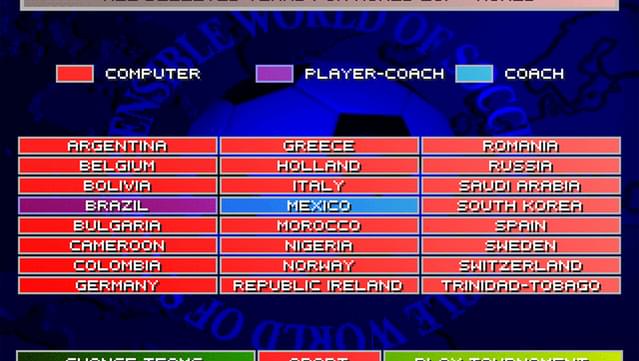
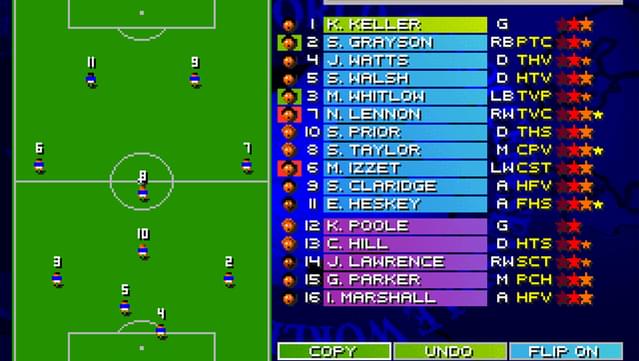
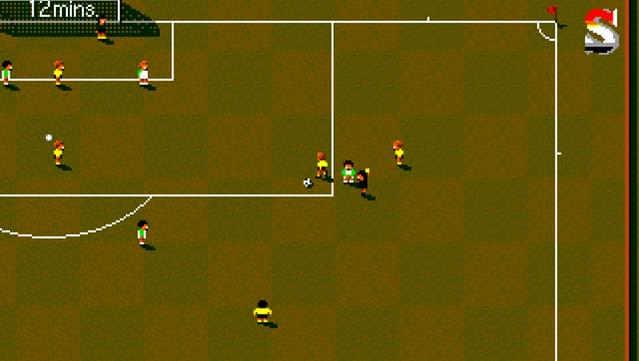
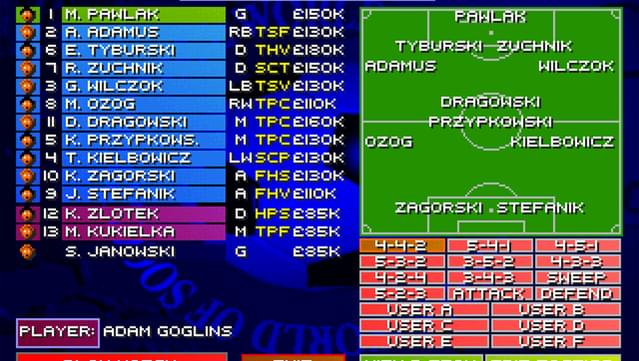

最有用的评论Posted on: February 21, 2013Roubos 验证所有者 游戏: 273 评论: 1 The Best Football game EVER!!!This is the best football game of all time. Brings back memories. AMIGA500. Hours of gaming with friends. season after season. New generation games have the graphics but not the gameplay. This was so much fun. Such a complete game. So many competitions to play, player-manager features, customize teams and all. A game you can play with just a joystick and a button. Simple but so skillful. Nothing is automated like modern games that need 10button combos for the play to do tricks. This is TOTAL FOOTBALL. I will get it, but need to find two joysticks now. Not flight sim ones, or gamepads. The old classic ones. (I used to play on the Amiga with the SEGA Master System joystick). Thanks GOG. This is for us older guys to remember, and for the new kids to learn ;) 这对您有帮助吗? 是 (156) 否 (17) 举报
Posted on: February 21, 2013zicoos 验证所有者 游戏: 224 评论: 9 Oh my god!I can't believe this is here! I remember playing this as a kid at a friend's place, on his Amiga I believe? This game has brought us so much fun, we broke many joysticks and fought over tactics endlessly and tirelessly. It is a great game full of fun if you want simple, fun soccer. Really have not much more to say. It could be nostalgia speaking, but I really love this game! Pick it up, I believe 5.99 is not too much for such a gem of the past! 这对您有帮助吗? 是 (132) 否 (28) 举报
Posted on: March 10, 2013Bucketbanger 验证所有者 游戏: 383 评论: 1 Great Game...No Joypad SupportThis is the great old Sensi you know and love. Its just impossible to play on keyboard, it needed to have joystick support added :( 这对您有帮助吗? 是 (99) 否 (24) 举报
Edited on: September 20, 2025Posted on: March 31, 2023frabadabene 验证所有者 游戏: 247 评论: 3 Masterpiece soccerIt is absurd that in 2023 this game remains the best soccer game ever, it is incredible. To use the joypad it is necessary using these simple settings: 1) Open up the game folder (by default "C:\GOG Games\Sensible World of Soccer 96-97") 2) Open the file dosbox_SWOS_single.conf in Notepad. 3) Add the line "install.exe" (without quotes) between "cls" and "english.exe" 4) Open the file dosbox_SWOS.conf in Notepad. 5) Change the line "timed=true" to "timed=false" 6) Save the modified config files and close them. 7) Start the game using the usual link. Don't use the French, German or Italian links in the start menu - you will have the opportunity to change your language). 8) Go to "configure", "control", "joystick and keyboard" to activate. Also change your language from this menu if you're so inclined. You will also need to calibrate your joypad, and DOSBox is a bit sluggish doing this with the default config. 9) Save the settings and exit. 10) Write "english" or "ENGLISH" to start 11) The game will then start automatically with joystick support. - SET IN FILE dosbox_SWOS THE OPTION fullresolution TO THE RESOLUTION OF THE MONITOR ! - To play with two joypads it is NECESSARY the software Antimicro, set in the game joystick + keyboard (NOT 2 joysticks) and configure them, then start Antimicro with the settings of the joystick (that the game "see" as a keyboard) and start the game wih Gog! -Recommended settings for full HD: Graphic Mode Setup Direct Draw hq3x aspect ratio: No 1920X1200 Full screen Double Buffering: No 这对您有帮助吗? 是 (61) 否 举报
Posted on: February 22, 2013SWOS 游戏: 10 评论: 1 SWOS Onlinefor those who are interested, IIRC these website organize SWOS online competitions and leagues (substitute the "*" with "."): sensiblesoccer*de (european/german website, hosts national leagues, eurocups, etc.) clpweb*net/swos/ (italian website, home of the "SWOS multiplayer Online Career") swos*pl/ (polish website) 这对您有帮助吗? 是 (69) 否 (7) 举报