

Posted on: January 11, 2023

mchartman
Zweryfikowany użytkownikGry: 773 Opinie: 27
Rebind the controls with DOSBox
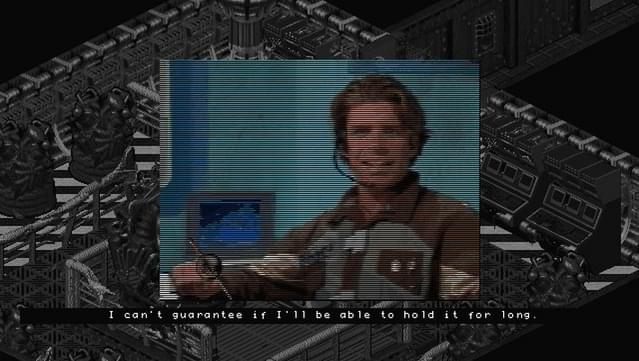
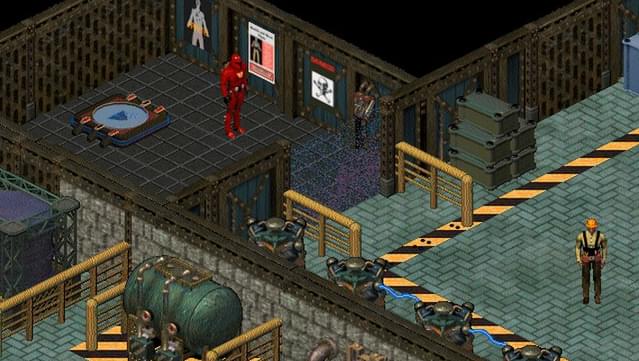
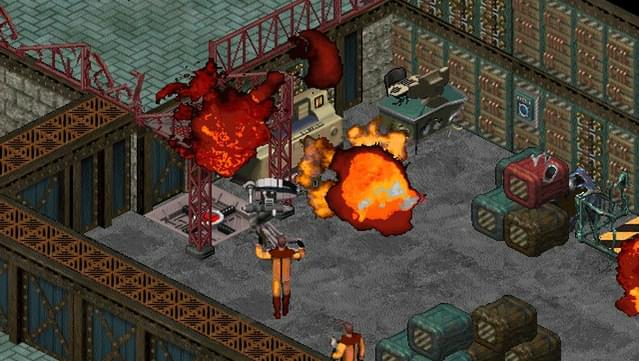
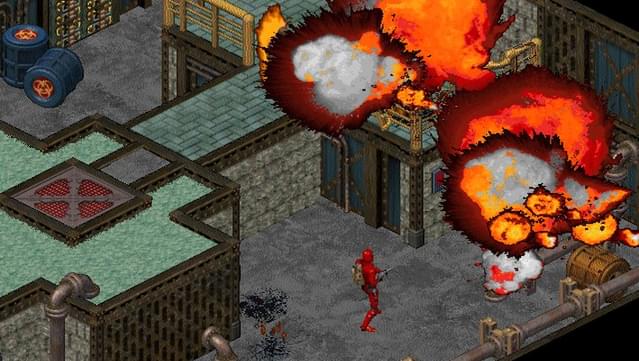
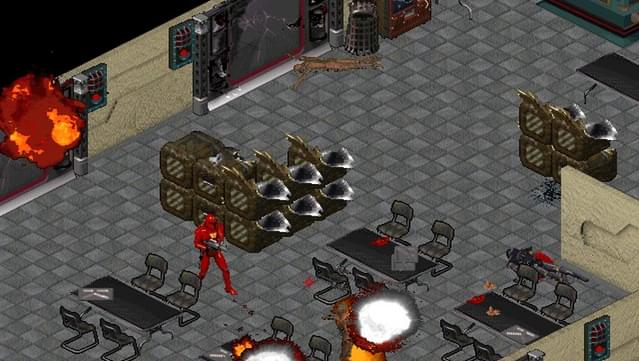
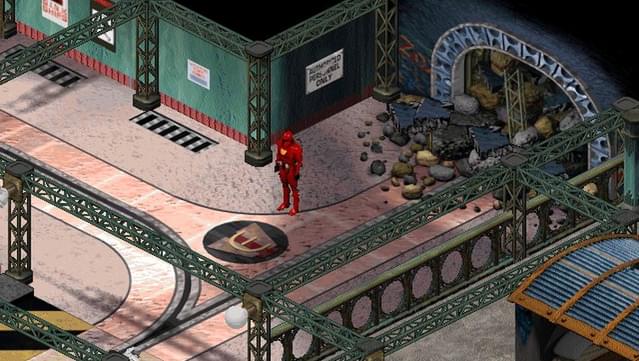
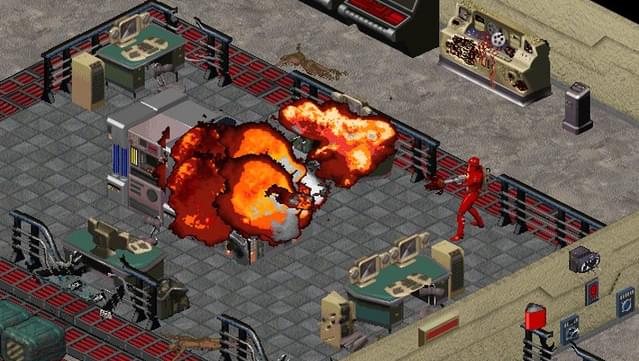
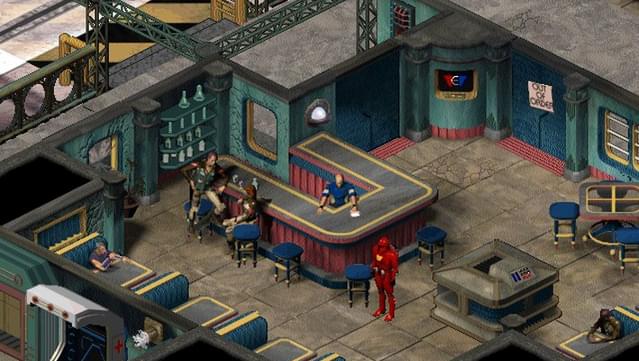
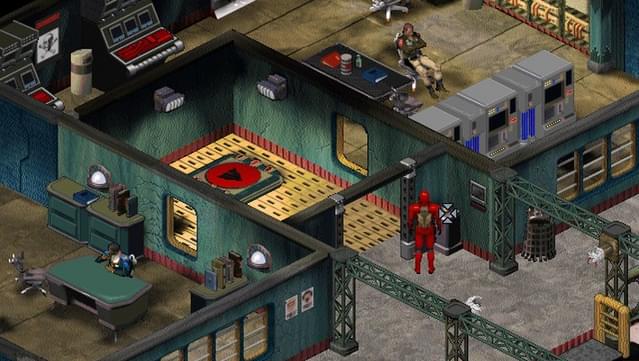
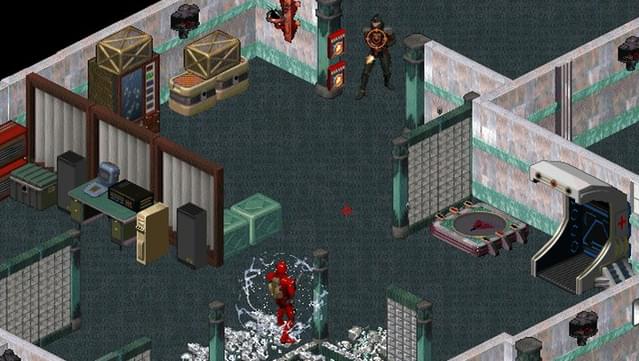
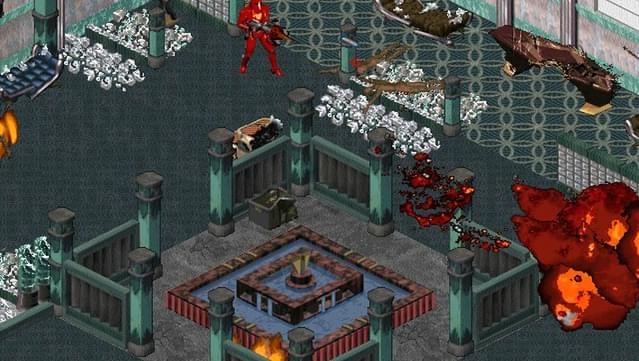
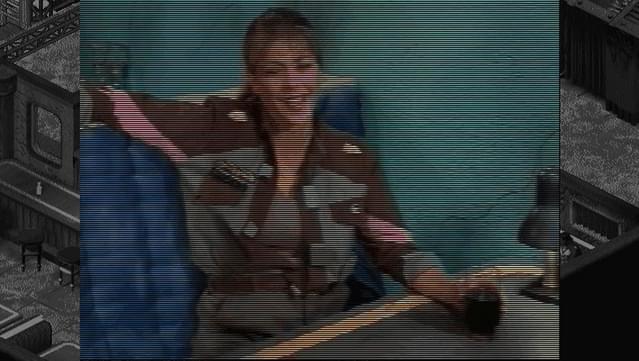
A lot of people struggle with the default controls, which is completely understandable. They’re clunky, convoluted, and overall uncomfortable… but thankfully, because Crusader runs on DOSBox, you can completely rebind the keys. In order to do this, press Ctrl-F1 while in game. This will bring up DOSBox’s Keymapper. If you wanted to change the walk forward button from the up-arrow key to “W”, for example, you simply click the “up-arrow” on the virtual keyboard, delete it by clicking the “Del” button on the virtual keyboard, click “Add”, now press “W” on your physical keyboard, and click “Save” to save changes. Because W is already bound to another function by default (cycle weapons), click on W on the virtual keyboard, and then click “Del”, and “Save”. Now close the mapper by clicking “Exit”. Now W will make The Silencer move forward without changing weapons! Do this for as many keys as you like. You can even map to a joystick or a gamepad if you like. If you want to revert to the default controls or mess something up and want to start all over, simply delete the “mapper” file in the game’s directory. I found that using keyboard and mouse was playable with the following setup; W to move forward, (with Num Lock on) A and D to roll left and right, X to crouch, S to search, and F to both interact and use selected item. I used the mouse for aiming and turning the Silencer, though keyboard only controls might be preferable to some. Pros: - You look kind of like Boba Fett! - Destructible environments - Fun, sandbox carnage - Cheesy FMVs - Lots of interactivity - Good pixel art and explosions(!) - Cool sci-fi aesthetic - Great level design - No handholding Cons: - Janky tank controls even for the time period - Sometimes camera will hide The Silencer or items on the ground. Highly recommended for patient retro gamers!
Czy to było pomocne?


