Posted on: January 5, 2025

BrokeMyNinja
Possesseur vérifiéJeux: 688 Avis: 13
RtCW lives on!
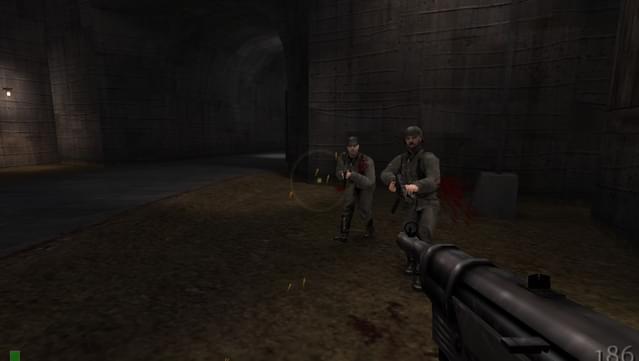
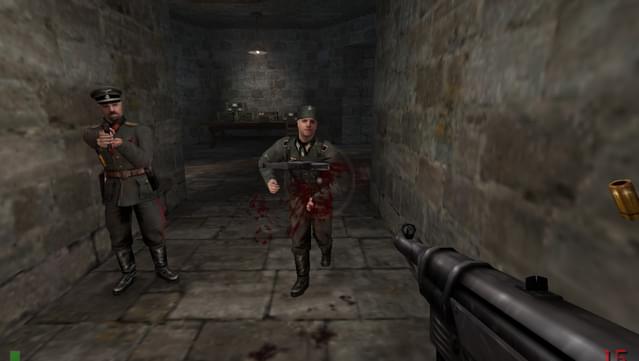
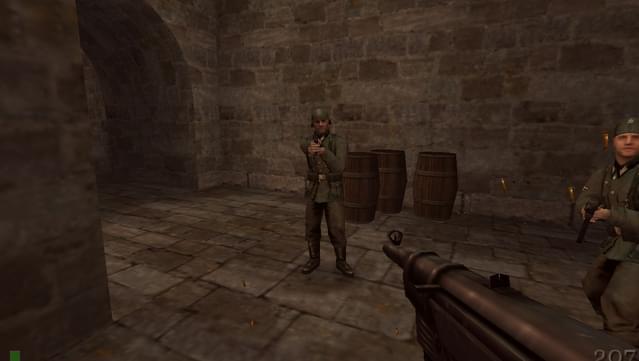
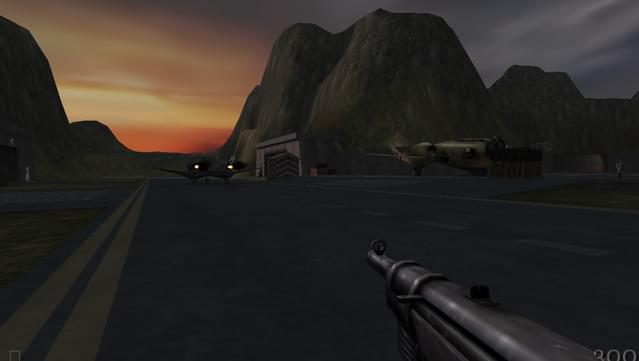
RTCW is an awesome game,that still holds up quite well kicking classic N@z1 butt! It WILL play on modern PC's and if you are experiencing the Black Screen and Crashes at start-up. Follow this. - Search for "Markshan Return to Castle Wolfenstein v1.42d" and download his patch. Its in a 1.57Mb zip file. This will address some known crashes and some bug fixes. Open the Zip and drop those in the base folder of where you installed the game. - go to the install director [Return to Castle Wolfenstein\Main\] and open wolfconfig.cfg in a text editor. - Change the following Lines for Widescreen support (change XXXX and YYYY to your prefered resolution i.e. 2560 and 1440) seta r_customaspect "1" seta r_customwidth "XXXX" seta r_customheight "YYYY" seta r_mode "-2" seta cg_fixedAspect "2" - Change your Frame Rate [Warning - playing at anything above 60fps on modern PC's will impact the Enemy A.I.'s ability to fight against you, blame the engine for actually utilizing the CPU. They will be more accurate and aimbot-like. It would be advised to keep the frame rate between 30 and 50 fps] IF you dont mind the challenge you can go up to 91 fps without needing support from a mod. seta com_maxfps "XX" Change this to prevent a Video glitch with the left corner of the screen taking over the entire screen. Set it to "1" seta r_glIgnoreWicked3D "1" Add this line to prevent Frame Drops in modern PC's seta r_primitives "2"
Trouvez-vous ce commentaire utile ?


